

10 Best WordPress Social Media Plugins In 2026


WordPress social media plugins make your WordPress website interactive, shareable, and automated.
Search engine ranking is now searched everywhere. Your presence matters on every platform your users are active on. And the most important tools in this regard are WordPress social media plugins.
Research by HubSpot shows that social media is among the top 3 channels for website traffic generation for marketers globally.
WordPress social media plugins help in revamping and distributing your content as soon as it is published. Reducing stress on the social media team and ensuring consistent visibility.
In this article, we’ll cover
- Why social media plugins are necessary
- 10 best WordPress social media plugins
- How to choose the right social media plugin
Let’s dive in!
Why Social Media Plugins Matter for WordPress Websites?
The way users interact with content has changed.
Especially Gen Z users, they don’t just consume content; they share it instantly. If they find something useful, relatable, or insightful, they expect frictionless sharing.
If your website lacks
- One-click share buttons
- Instant publishing to social platforms
- Embedded social feeds
You are leaving a growth opportunity on the table.
Modern users expect frictionless interaction. If sharing requires extra steps, they simply won’t do it.
For service businesses, agencies, coaches, consultants, and law firms, social media plugins help
- Increase referral traffic
- Extend content lifespan
- Automate distribution
- Improve brand authority
- Reduce manual workload on marketing teams
In short, your website should not just publish content; it should distribute it automatically, and it should allow users to spread your content. That’s why social media plugins matter.
10 Best WordPress Social Media Plugins
Here are the top tools based on reliability, updates, and performance.
- Smash Balloon
- Social Snap
- Novashare
- Shared Counts
- Revive Old Posts
- Monarch
- AddToAny
- Easy Social Share Buttons
- Blog2Social
- Curator.io
1. Smash Balloon
Best for: Displaying Instagram, Facebook, Twitter (X), and YouTube feeds on your website.

This plugin allows you to display fully customizable social media feeds from multiple platforms without slowing down your website.
Most impportantly for caching it reduces API calls, ensuring your site remains fast while showcasing real-time social proof on your website.
Key features
- GDPR compliant
- Regular API updates
- Customizable layouts
- SEO-friendly feed embedding
2. Social Snap
Best for: Social sharing and auto posting.
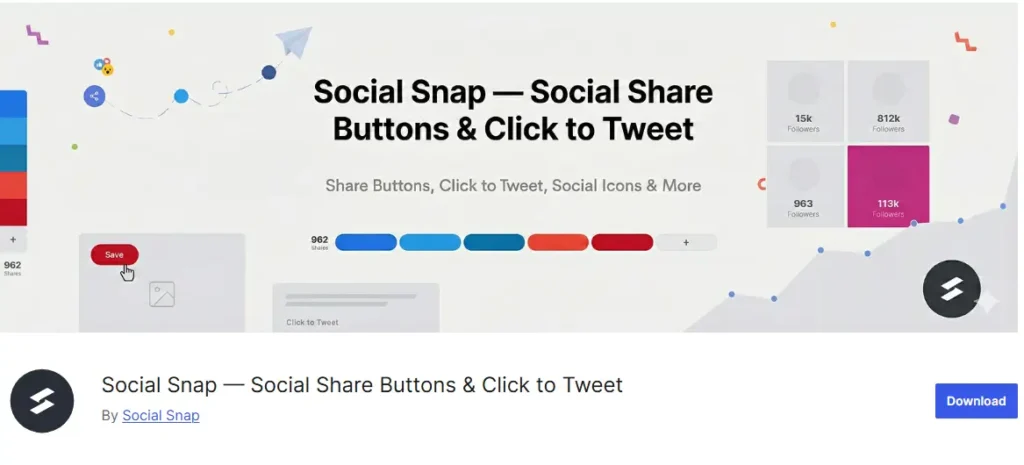
This is an all-in-one plugin that combines visually appealing social sharing buttons with auto-posting capabilities. To use the plugin, read the download guide.
Key features
- Click-to-Tweet
- Share count recovery
- Floating share buttons
- Performance optimized
3. Novashare
Best for: Adding a social share button to your WordPress website.
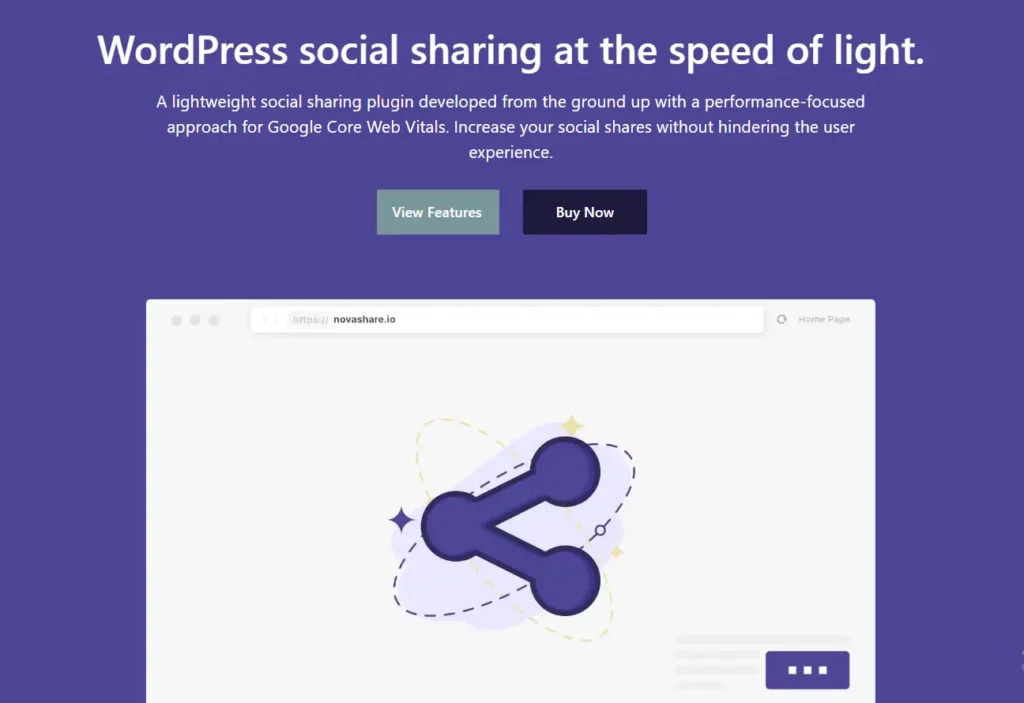
Novashare is one of the best social share plugins for WordPress, as with this, you can add the social sharing buttons on your website and allow your users to spread your content.
The best thing about Novashare is that it is the most CWV-friendly plugin you can use on WordPress.
Key features
- Lightweight code
- Built-in click tracking
- Custom share images for different platforms
4. Shared Counts
Best for: Add Simple share buttons and show share counts on your website.
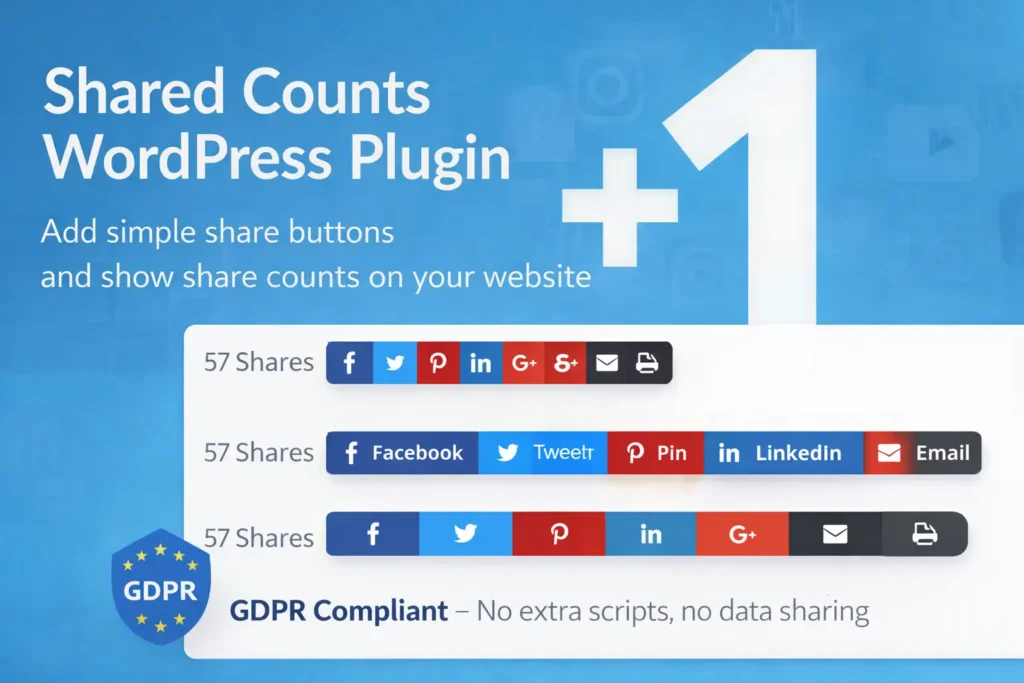
One of the user psychology is that if others are using it or liking it, its good one, and the shared count plugin is used to make it possible on your WordPress website.
The best thing is that it is fully GDPR compliant, and it does not share any data with any third-party app, nor does it inject any extra script into your website.
Key features
- A clean interface
- Have minimal impact on load time
- Native sharing links that respect user privacy
5. Revive Old Posts
Best for: Automated content recycling.

Revive Social automatically shares old blog posts to social media on a schedule you control, extending the life of evergreen content.
Key features
- Automated content recycling
- Customizable scheduling intervals
- Hashtag generation and multi-network support
5. Monarch
Best for: Design-heavy websites to add cusotmizable follow and share button on a WordPress website.

Developed by Elegant Themes, Monarch is a premium and better than shared counts. It also offers multiple placement options and behavioural triggers.
Key features
- Social follow widgets
- Popup triggers to engage more users
- 20 plus social networks placement buttons
7. AddToAny
Best for: Multi-network support to add free, scalable, and widely supported buttons on the website.
AddToAny is one of the longest-standing social sharing plugins in the WordPress directory, known for versatility and simplicity.
It helps add easy, customizable share buttons to your website (including WordPress) so visitors can share your content across many social networks and apps.
Key features
- Real-time share counts
- Floating and inline share buttons
- Support for 100-plus social platforms
8. Easy Social Share Buttons
Best for: Bloggers and content creators who want beautiful and engaging share buttons.

This plugin offers advanced customisation to align share buttons with the website interface. Has analytical feature to track user behaviour and collect data for improved social media marketing.
The easily social share button, also known as the Swiss army knife for social sharing, is also optimised for mobile devices and works with AMP pages.
Key features
- Advanced analytics
- Easy integration with page builders
- A/B testing for placements, share count recovery
- trigger share displays based on user behavior i.e scroll depth
9. Blog2Social
Best for: Social media automation and auto-posting.
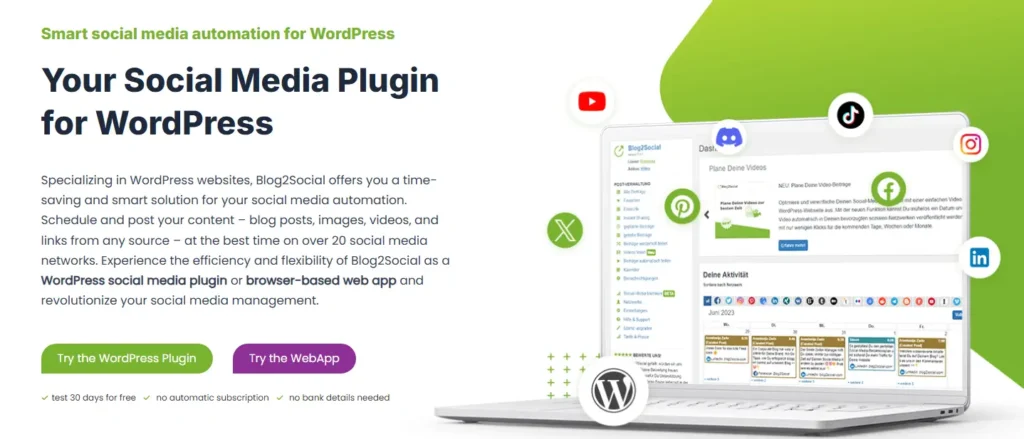
Blog2Social integrates directly with your WordPress dashboard to cross-post and schedule content across 20-plus social networks, including TikTok, Bluesky, and Threads. For brands also running paid promotions on the platform, running through a dedicated TikTok advertising account can unlock higher spend limits alongside your organic scheduling.
Key features
- Social media calendar
- drag-and-drop scheduling
- UTM tracking and AI assistance
10. Curator
Best for: Brands & businesses showcasing social proof. Also good for Influencers & creators aggregating content from fans.
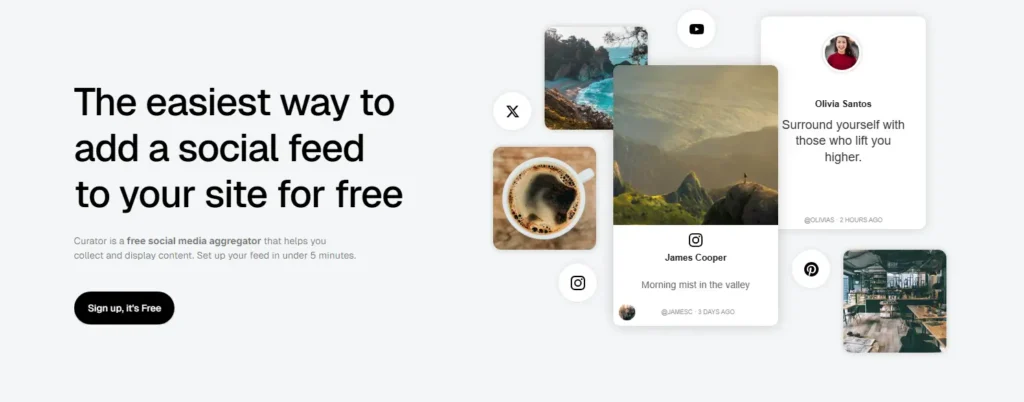
Curator.io helps you gather social media content from multiple networks and display it attractively on your site or at events, making your content more engaging and socially driven.
Key features
- Customizable display
- Filtering & moderation
- Curating feeds for websites
How to Choose the Right Social Media Plugin?
Choosing the right WordPress social media plugin depends on your primary goal.
To choose the right plugin, first define your primary goal or create a strategy. Read the website strategy guide for a better understanding.
Now, if your focus is speed and Core Web Vitals, choose Novashare.
If automation is your priority, select a tool that supports scheduled auto-posting, i.e., Blog2Social.
But remember, always check plugin update frequency, compatibility with your theme, GDPR compliance, and performance impact.
Conclusion
Search visibility is no longer limited to Google rankings. It is everywhere your audience spends time.
We’ve shared the best WordPress social media plugins that you can use based on your needs in 2026.
All these plugins are easy to use, but it’s not always safe to integrate a plugin without proper checks. Even a small misconfiguration can affect your website’s performance or security, so proceed carefully.
If you need help integrating a social media plugin or want a custom solution, we’re here to help.
Reach out to us book a free call.
You can also explore our WordPress development services.

Popular Guides
View All Guides

