

Best WordPress Social Media Plugins


Social media and WordPress go hand in hand. Your website is where people learn about your business, but social media is often how they discover you in the first place. The right WordPress social media plugins help connect those two worlds.
Whether you want more traffic, better engagement, automated posting, or stronger brand visibility, the right plugin can make your workflow easier and your marketing more effective.
But there’s a catch.
Installing too many plugins, especially poorly optimized ones, can slow down your site, create conflicts, and increase maintenance headaches. That’s why choosing the right combination matters.
In this guide, we’ll cover the best WordPress social media plugins, how to choose the right ones, common plugin conflict issues, and how proper maintenance keeps your website running smoothly.
If you manage a business website, blog, or WooCommerce store, this guide will help you build a smarter social media setup.
You can also explore our WordPress Maintenance Plans to keep your plugins, performance, and security fully optimized.
Why social media plugins matter for WordPress websites
A social media plugin does more than add share buttons.
The right tools can help you:
- Automatically publish content to social platforms
- Display Instagram, Facebook, or TikTok feeds
- Increase shares and engagement
- Grow email subscribers
- Improve social proof
- Drive recurring traffic
- Simplify content distribution
Modern WordPress social media plugins now focus heavily on performance, automation, and conversion optimization. Many plugins also support integrations with platforms like Instagram, LinkedIn, TikTok, Facebook, Pinterest, and X.
According to multiple industry comparisons, performance-focused plugins like Novashare, Shared Counts, and AddToAny are gaining popularity because they reduce frontend load while still supporting strong engagement features.
Types of WordPress social media plugins
Not all plugins solve the same problem. Before installing one, it helps to understand the different categories.
These plugins add social sharing buttons to your posts and pages so visitors can easily share your content.
1. Social sharing plugins
Popular examples include:
- Social Warfare
- AddToAny
- Shared Counts
- Sassy Social Share
These are ideal for blogs and content-heavy websites.
2. Social feed plugins
Feed plugins pull content directly from platforms like Instagram, Facebook, YouTube, or TikTok and display it on your website.
Popular options include:
- Smash Balloon
- Spotlight
- Feed Them Social
These plugins help build trust and social proof while keeping visitors engaged longer.
3. Auto-publishing and scheduling plugins
These plugins automatically share your WordPress content to social media platforms after publishing.
Popular options include:
- Blog2Social
- Jetpack Social
- Revive Social
- WP to Buffer
Automation plugins are especially useful for businesses publishing content regularly.
4. Social login plugins
Social login plugins allow users to register or log in using Google, Facebook, LinkedIn, or other accounts.
Examples include:
- Nextend Social Login
- Super Socializer
These can improve user experience and reduce signup friction.
Best WordPress social media plugins
Here are some of the top plugins worth considering based on functionality, ease of use, and performance.
1. Smash balloon
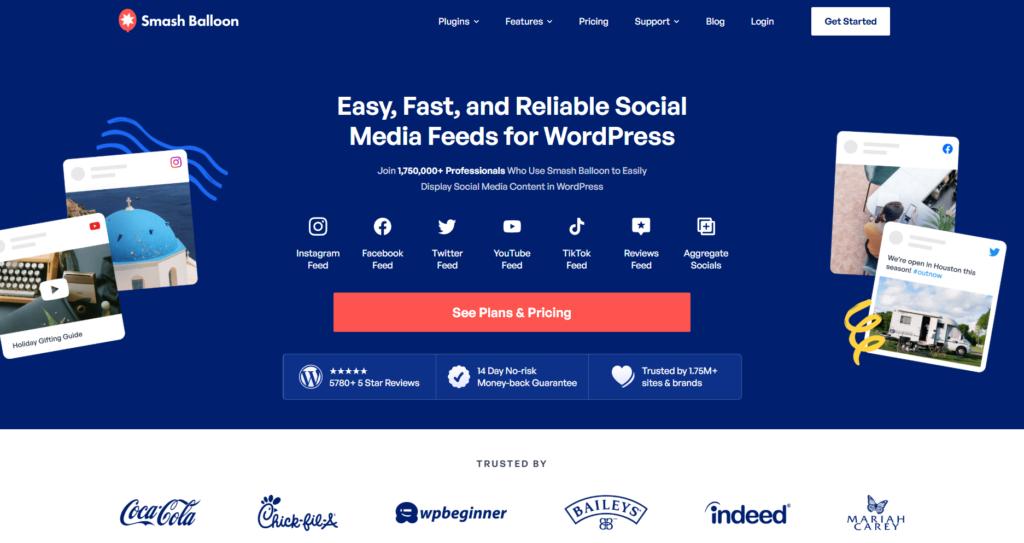
Smash Balloon is one of the most popular social feed plugins for WordPress. It allows you to display Instagram, Facebook, YouTube, and TikTok feeds directly on your site.
Its biggest strength is performance optimization. The plugin uses caching and lazy loading to reduce speed impact.
Best for:
- Businesses using Instagram heavily
- Brands wanting visual social proof
- WooCommerce stores
2. AddToAny
AddToAny is one of the most lightweight social sharing plugins available.
It supports hundreds of sharing services while keeping performance impact relatively low because of asynchronous loading.
Best for:
- Bloggers
- News sites
- Performance-focused websites
3. Blog2social
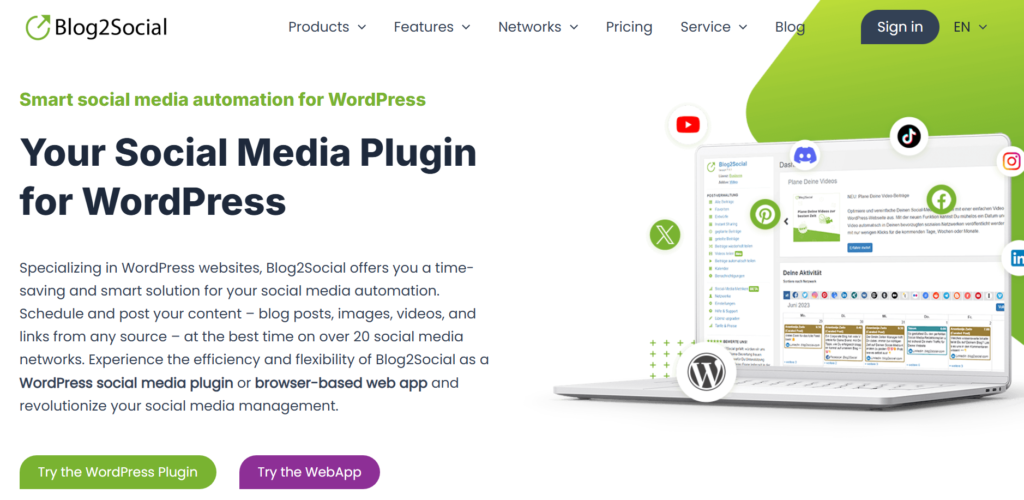
Blog2Social focuses on scheduling and automating social media publishing.
Instead of manually sharing posts across platforms, the plugin helps automate your workflow while customizing posts for each network.
Best for:
- Agencies
- Content marketers
- Multi-platform publishing
4. Social warfare
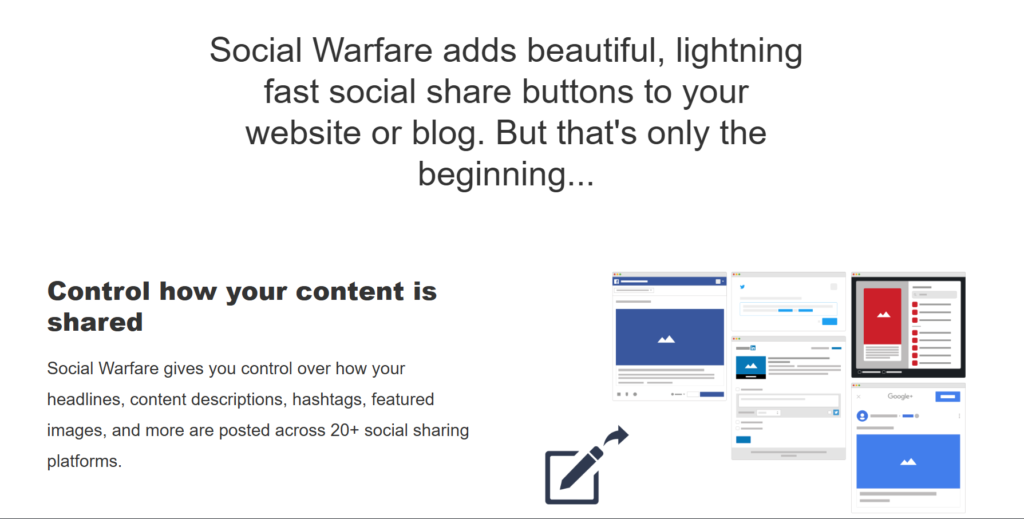
Social Warfare combines attractive share buttons with strong customization features.
It supports Pinterest-specific images, click-to-tweet features, and detailed social sharing controls.
Best for:
- Content creators
- Publishers
- SEO-focused blogs
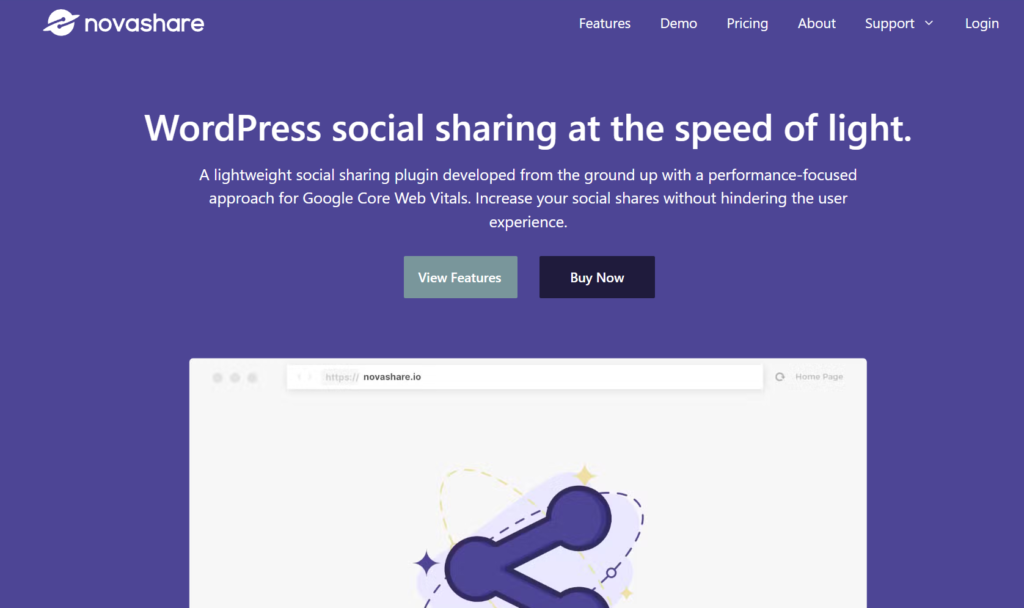
5. Novashare
Novashare has become popular because it focuses almost entirely on speed.
Unlike many bulky social plugins, Novashare avoids loading unnecessary scripts and keeps performance overhead minimal.
Best for:
- Fast-loading websites
- SEO-focused businesses
- Core Web Vitals optimization
How social media plugins can hurt website performance
Many websites install multiple plugins without considering compatibility or performance.
This often creates problems like:
- Slow loading speeds
- JavaScript conflicts
- Layout shifting
- Mobile responsiveness issues
- Broken sharing buttons
- Increased database usage
- API-related failures
Some social feed plugins rely heavily on external requests and third-party scripts. Without proper WordPress speed optimization, this can negatively impact Core Web Vitals and SEO performance.
This becomes even more common when websites use:
- Multiple caching plugins
- Heavy page builders
- Too many social widgets
- Outdated plugin versions
Common plugin conflict issues in WordPress
Plugin conflicts are one of the biggest hidden issues on WordPress websites.
You may notice:
- Social icons disappearing
- Feed plugins breaking after updates
- CSS styling issues
- Sharing counts not loading
- Mobile menu conflicts
- Website crashes after plugin updates
Conflicts usually happen because:
- Two plugins load the same scripts
- Outdated plugins become incompatible
- Themes override plugin styles
- APIs change unexpectedly
- PHP versions become outdated
This is why plugin maintenance matters just as much as plugin selection.
A well-maintained website can safely run social media plugins without affecting performance or user experience.
How WP minds helps manage WordPress plugins safely
At WP Minds, we regularly help businesses manage plugin-heavy WordPress websites without sacrificing speed or stability.
Our team helps with:
- Plugin conflict troubleshooting
- WordPress updates
- Performance optimization
- Security monitoring
- Malware protection
- Website backups
- Speed optimization
- WooCommerce maintenance
- Technical support
Social media plugins can be powerful marketing tools, but they require proper management to work correctly over time.
That’s where professional maintenance becomes valuable.
Explore our WordPress Maintenance Services if you want ongoing plugin management, updates, and optimization support.
Final thoughts
The best WordPress social media plugins help you grow traffic, improve engagement, and strengthen your online presence.
But installing plugins without considering speed, compatibility, and maintenance can create serious long-term problems.
The key is balance.
Choose plugins that match your goals, prioritize performance, and maintain your website consistently.
If you need help managing plugin conflicts, performance optimization, or ongoing website maintenance, WP Minds can help you keep your WordPress site fast, secure, and reliable.
FAQ
What are the best WordPress social media plugins?
Popular options include Smash Balloon, AddToAny, Blog2Social, Social Warfare, and Novashare. The right choice depends on whether you need social feeds, sharing buttons, automation, or social login features.
Do social media plugins slow down WordPress websites?
They can if poorly optimized. Plugins that load too many scripts, API requests, or external assets may affect performance. Lightweight plugins with caching and lazy loading usually perform better.
Can WordPress plugins conflict with each other?
Yes. Plugin conflicts are common in WordPress, especially when multiple plugins load similar scripts or outdated code. Regular maintenance and testing help prevent these issues.
Are social media plugins good for SEO?
Indirectly, yes. Social sharing and engagement can help increase traffic and visibility. However, poorly optimized plugins may hurt site speed, which can negatively affect SEO.
How do I keep WordPress plugins updated safely?
The safest approach is to use a proper maintenance workflow that includes backups, staging testing, security checks, and compatibility monitoring before updates go live.

Popular Guides
View All Guides

