

Healthcare Website Design: Essential Features


Patients can land on your website even before reaching out through the phone. They expect fast answers, clear directions and a straightforward process for making an appointment.
In case they find a website to be hard to use, too slow, or outdated, they can decide to call another practice instead.
Designing healthcare websites requires meeting patients’ needs alongside accessibility, security, speed and business goals.
This article outlines the key elements that should be included when designing healthcare websites. A well-planned healthcare website design improves both the patient experience and practice efficiency.
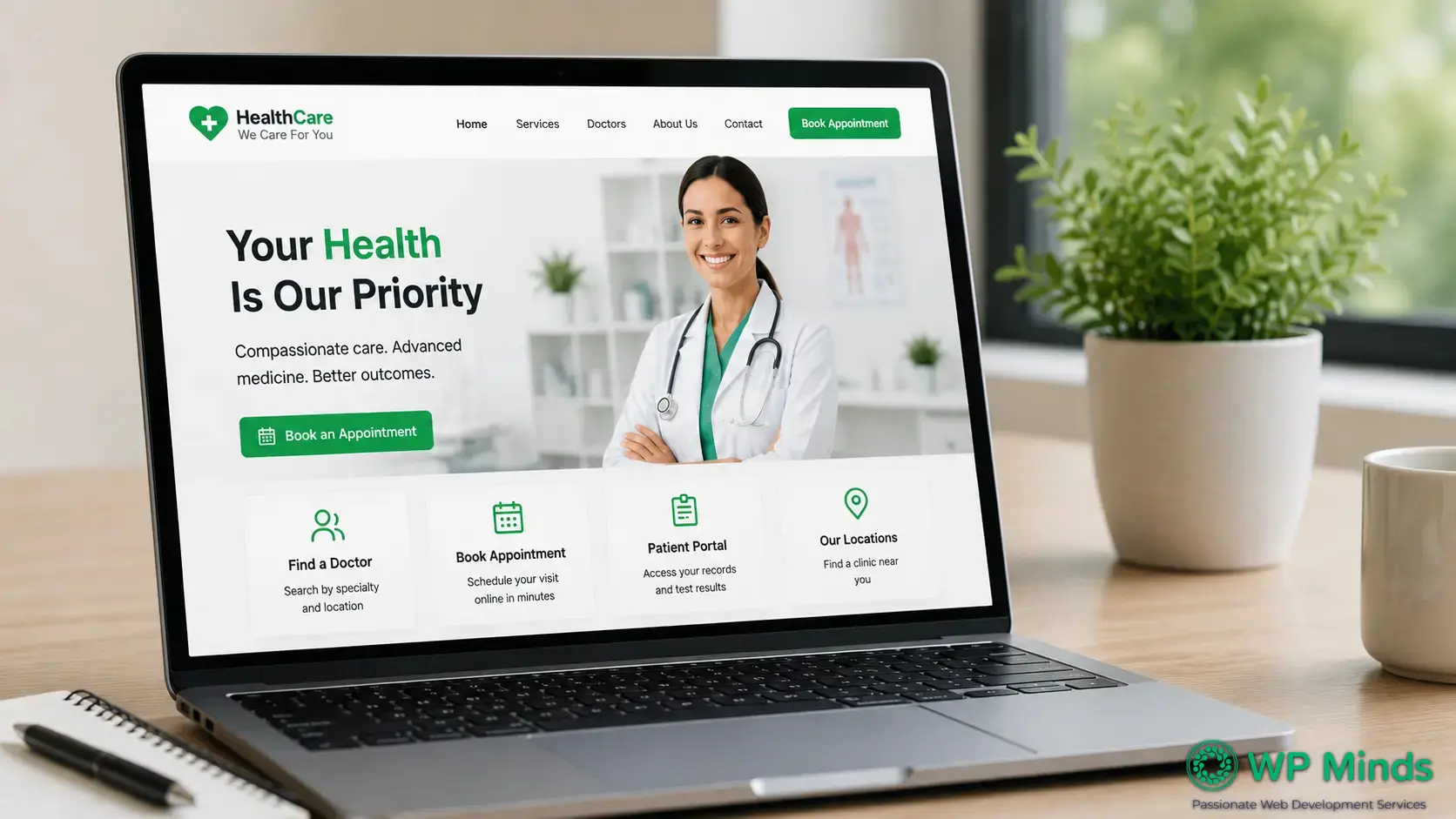
Read More: 12 Best Healthcare Website Design Ideas
Why a Clear Strategy Is Needed for Healthcare Website Design
The typical visitor coming to your website has one single task:
- To find a physician
- To know whether you accept their insurance
- To book an appointment
- To call your closest branch
- To log into the patient portal
A good website strategy should help achieve all those tasks no matter which page they are on. An effective healthcare website design combines usability, accessibility and performance to help patients complete these tasks more easily.
Features of a Healthcare Website
However, there are some common characteristics that make the best designs for healthcare websites. The following healthcare features help patients access care more easily while supporting practice operations.
1. Mobile-First Design
When patients are looking for healthcare on the internet, they do it mostly via smartphones. Thus, your website needs to be responsive and fit different screen sizes.
A strong mobile experience includes:
- Readable text without zooming
- Large buttons and touch-friendly links
- Short forms with only necessary fields
- Click-to-call phone numbers
- Easy access to appointment and portal buttons
Test every important task on a real phone. A responsive layout alone does not guarantee usability.
According to research, 91% of U.S. adults own a smartphone, making a mobile-friendly healthcare website essential for reaching and supporting today’s patients.
Source: Pew Research Center
2. Clear Navigation and a User-Friendly Layout
Patients should not need to understand your internal departments. Menu labels should use familiar words that reflect patient needs.
Most practices need links to:
- Services and treatments
- Doctors and care teams
- Locations and office hours
- Patient resources
- Contact and appointment options
Good doctor website design includes a profile for every provider. Add credentials, specialties, locations, accepted insurance, photographs and appointment options.
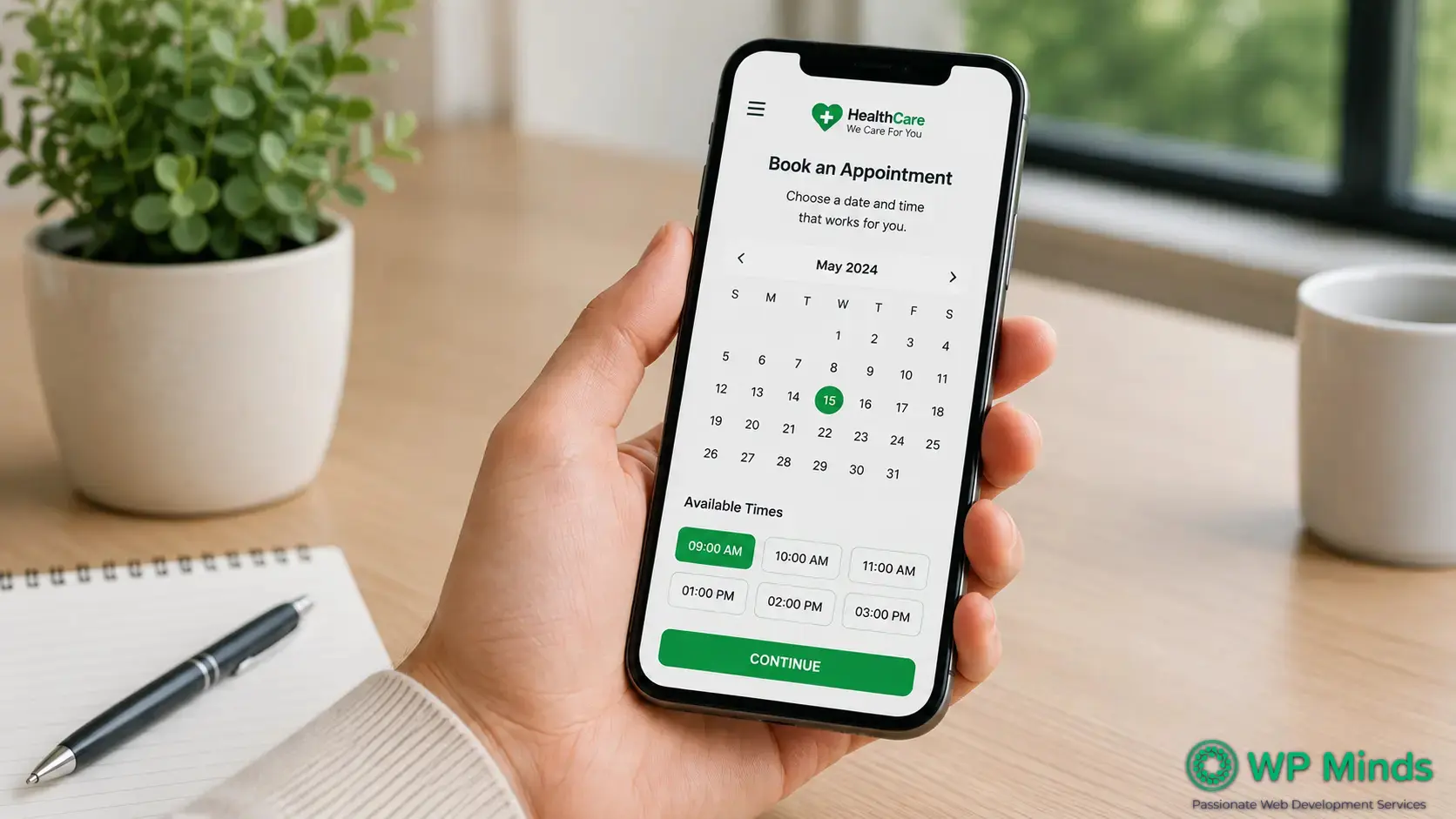
3. Online Appointment Scheduling
Online scheduling lets patients request care outside office hours. It can also reduce routine administrative work for your staff.
Place appointment buttons on key pages:
- Homepage
- Service pages
- Provider profiles
- The contact page
Use direct labels such as “Book an Appointment.” Avoid vague wording like “Get Started.”
If direct scheduling is unavailable, provide a short request form and click-to-call option. Tell patients when they should expect a response.
Also Read: Website Design for Mental Health Professionals – 10 best Examples
4. A Secure Patient Portal
A patient portal provides protected access to records, results, billing, messages and appointment details.
Make the portal login visible. The approved platform should use strong authentication and secure session controls.
Remember that having an HTTPS protocol or security plug-in does not automatically make your site fully HIPAA compliant. Compliance is a matter of technology, vendors, agreements, procedures and human activity.
The U.S. Department of Health and Human Services offers official guidelines on the HIPAA Privacy Rule and protected health information.
5. Accessibility and ADA-Friendly Design
Accessible websites help people with visual impairments, auditory impairments, mobility impairments and cognitive impairments.
There are internationally accepted Web Content Accessibility Guidelines for that.
Key components of accessibility are:
- Sufficient color contrast
- Keyboard-accessible navigation
- Visible keyboard focus indicators
- Descriptive image alternative text
- Properly labeled form fields
- Captions or transcripts for videos
- Descriptive link text
Automated tools can identify some issues, but not all. Combine scans with keyboard, screen-reader and user testing.
6. Complete Contact and Location Information
Patients should never struggle to find your phone number, address, or hours.
Every location page should include:
- Practice name and full address
- Click-to-call phone number
- Office hours
- Directions and parking details
- Accessibility information
- A clear appointment option
Keep these details consistent across your website, Google Business Profile and major directories.
7. Trust-Building Content
Your content should explain who you help, what you treat and what patients can expect.
Use trust-building elements such as:
- Real photographs of providers and facilities
- Accurate provider biographies and credentials
- Clear explanations of services
- Accepted insurance information
- Patient policies and preparation instructions
- Updated educational resources
Write in plain language and explain necessary medical terms. Avoid unsupported claims, exaggerated outcomes and generic promotional statements.
8. Fast Performance and Reliable Technology
Strong healthcare web design also depends on reliable technology that keeps pages fast, secure and available to patients. Slow pages frustrate patients and can weaken search performance. Professional WordPress speed optimization can improve loading times, support Core Web Vitals and create a better patient experience.
Your healthcare website development plan should include:
- Reliable managed hosting
- Image and code optimization
- Regular software updates
- Automated backups
- Uptime and security monitoring
- Testing before every major update
Google’s Core Web Vitals guidance explains important performance measurements. Test individual pages with PageSpeed Insights.
Review every integration carefully. Forms, schedulers, chatbots, maps, analytics scripts and portals may affect privacy, security, or performance.
9. Clear Calls to Action and Conversion Paths
Every important page should offer a relevant next step. Common healthcare calls to action include:
- Book an appointment
- Call the practice
- Find a provider
- Find a location
- Access the patient portal
- Request more information
Review your website conversion journey from the patient’s perspective. Remove unnecessary fields, unclear labels, hidden buttons and repeated steps.
Measure completed actions, including appointment requests, calls, portal clicks and completed forms.
When Does a Practice Need a Healthcare Website Redesign?
A healthcare website redesign may be necessary when the current site no longer supports patients or staff.
Common warning signs include:
- Important tasks are difficult on mobile devices.
- Navigation reflects departments instead of patient needs.
- Provider, insurance, or location information is outdated.
- Pages load slowly.
- Forms create privacy or usability concerns.
- Staff cannot update content without technical support.
- The design no longer reflects the quality of care.
A redesign should begin with an audit. Review content, accessibility, search visibility, integrations and conversion paths before rebuilding.
Ready to Improve Your Healthcare Website?
Discover how to improve your healthcare website’s usability, performance, accessibility and patient experience.
Conclusion
A successful healthcare website design should help patients find information quickly, complete important tasks easily and trust your practice. By focusing on usability, accessibility, security and performance, healthcare organizations can create a website that supports both patient needs and long-term business goals.
Regularly reviewing your website with feedback from patients and staff can help identify usability issues and keep information accurate as your practice grows.
Professional Website Consulting Services can identify priorities before development begins. When rebuilding is appropriate, experienced WordPress Design and Development can provide a flexible foundation for content, integrations and growth.
More Related Blogs:
- Best Practices for Website Design – UX, Speed & Accessibility
- 7 Best Veterinary Website Designs in 2026
- Website Design for Dentist: 10 Best Examples
FAQs (Frequently Asked Questions)
What makes a good healthcare website?
A good healthcare website is clear, fast, accessible, mobile-friendly and trustworthy. It helps visitors find care without confusion. It also protects sensitive information through suitable technology, vendors, contracts and internal operating practices.
How do agencies address privacy concerns in healthcare website design?
Responsible agencies map how information is collected, stored and shared. They use approved secure systems for sensitive data.
They should also review:
- Forms and data fields
- Hosting and connected vendors
- Business associate agreements, when required
- Analytics, tracking scripts and cookies
- User roles and permissions
- Encryption and backups
- Incident response procedures
The HHS HIPAA Privacy Rule summary explains covered entities and protected health information. Legal and compliance professionals should approve final requirements.
What is the most popular medical website?
How much does a healthcare website cost?
Cost depends on the project’s size, content, integrations, privacy requirements and custom functionality.
Consider these cost categories:
- Strategy and discovery
- Custom design and development
- Scheduling or portal integrations
- Accessibility and privacy reviews
- Hosting, maintenance and support
A basic small-practice website may cost several thousand dollars. Custom websites commonly reach five figures. Portals and clinical integrations increase costs.
What tools do you recommend in 2026 for a small medical website?
WordPress remains practical for many small practices. Pair it with managed hosting that meets your security and contractual requirements.
A practical toolset may include:
- An approved scheduling or patient portal platform
- Yoast SEO or Rank Math for on

Popular Guides
View All Guides