

Medical Website Design That Converts


Before a new patient calls your office, they will probably visit your website.
They may check your services, providers, insurance information or appointment options.
That visit shapes how they see your practice. A confusing or outdated website may cause them to continue searching. A clear and reassuring experience makes the next step easier.
Effective medical website design brings the patient experience and the practice’s goals together. It provides useful information while creating a straightforward path to an appointment.
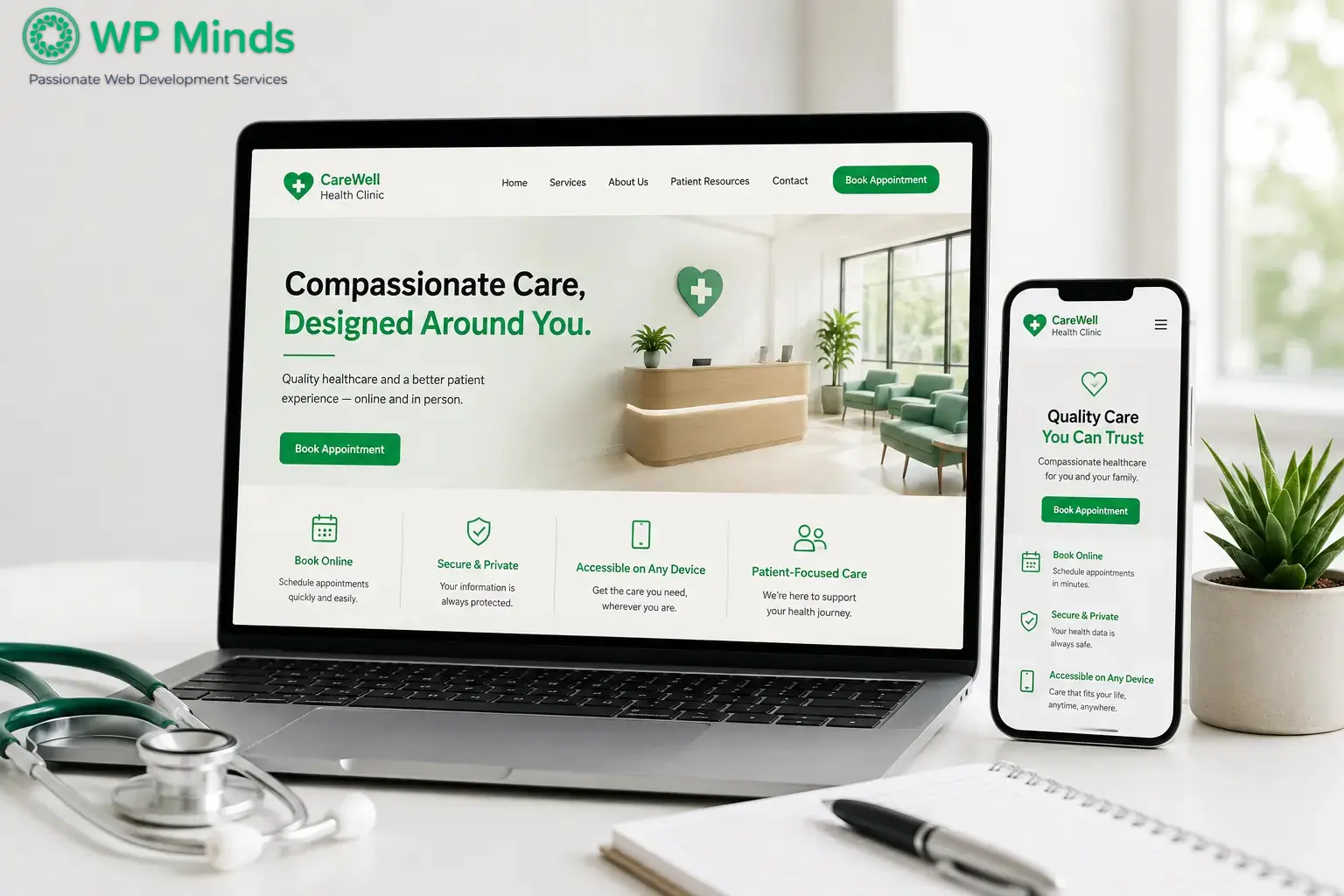
Read More: Healthcare Website Design: Essential Features
Understand What Patients Need From the Website
A medical website should begin with patient research, not a visual theme. Your team needs to understand why people visit and what stops them from making contact.
Learn From Your Patient-Facing Team
Speak with the people who answer your phones and manage appointments. They often know which questions create uncertainty.
Patients may ask whether you treat a certain condition or accept their insurance. Others may need a nearby location or a specific provider.
Turn Patient Questions Into Website Decisions
Use common questions to plan your pages, navigation and content. They can also help you identify which actions deserve the most attention.
Our website development process explains how strategy, wireframing, content, development, testing and launch work together. Following a defined process reduces revisions because important decisions happen before design begins.
Make the Homepage Answer Three Questions
Your homepage does not need to explain everything about the practice. It needs to help visitors answer three immediate questions:
- Is this the type of care I need?
- Is this practice right for me?
- How can I contact the office?
The opening section should identify your main service, audience or location.
For Example
Personalized primary care for adults and families in Austin.
This headline is more useful than “Welcome to Our Practice.”
Support the headline with a short sentence about your approach. Then provide one clear action, such as requesting an appointment or calling the office.
Apply the Three-Second Principle
This approach reflects the “three-second rule” often discussed in web design. It is not a measured standard. It simply means visitors should understand a page before they lose interest or become confused.
Use real photographs whenever possible. Authentic images of the team and office offer more value than generic medical stock photos.
Organize Information the Way Patients Search
Internal terminology may make sense to your team but confuse a first-time visitor. Navigation should use familiar labels such as Services, Providers, Locations, Patient Resources and Appointments.
Create Individual Service Pages
Give each major service its own page. Someone searching for a specific treatment should not need to read an extensive list of unrelated services.
A strong service page explains:
- Who the service is for
- Which concerns it addresses
- What the treatment involves
- What a patient can expect
- When someone should contact the practice
The content should educate without diagnosing the reader or promising a particular result.
Provider profiles serve a different purpose. They should introduce each provider’s specialty, experience, qualifications and approach to care.
Consistent professional photographs make the team feel established and approachable.
Location pages should cover practical details. Include the address, hours, directions, parking information and services available at that office.
This content also helps search engines connect the practice with the communities it serves.
Together, these pages create a useful medical practice website without forcing the homepage to carry every detail.
Remove Friction From Appointment Requests
Appointment booking is where patient interest becomes a measurable result. Even small obstacles can stop that process.
Offer Appropriate Contact Options
Give patients the contact method that fits your workflow. This may be an online scheduler, a short request form or a direct call.
Explain what happens after submission. Patients should know whether your team will call, email or confirm the appointment automatically.
Keep Appointment Forms Focused
Only request information needed for the first contact. Long forms demand more effort and may collect sensitive details before the practice needs them.
Review Privacy Before Adding Tools
Healthcare organizations must also consider how forms and connected tools handle information. The U.S. Department of Health and Human Services explains that tracking technologies can create HIPAA concerns.
These concerns may arise when technologies collect or disclose protected health information. Practices should review the department’s guidance on online tracking technologies with qualified privacy professionals.
This review should include scheduling systems, analytics platforms, chat tools, advertising pixels and form integrations. A popular tool is not automatically suitable for every medical practice.
Build for Mobile Use and Fast Decisions
A patient might search for your practice while commuting or caring for a family member. They might also need directions while standing outside your office.
Mobile access is often connected to an immediate need.
In 2024, 65% of individuals accessed their online medical records or patient portal, demonstrating how important digital access has become for healthcare organizations.
Source: Office of the National Coordinator for Health Information Technology (ONC)
Design for Smaller Screens
Responsive medical web design adapts the layout across phones, tablets and desktop computers.
Mobile visitors should not need to zoom or scroll sideways. Text should remain readable, menus should be manageable and forms should fit the screen.
Important buttons also need enough spacing for comfortable touchscreen use.
Improve Loading Performance
Page speed affects that experience as well. Large images, video backgrounds, unused plugins and excessive scripts can create unnecessary delays.
Compress images, use dependable hosting and remove software that no longer serves a purpose. Test important pages using actual devices and different network conditions.
Google’s PageSpeed Insights can help identify performance concerns. However, its score should be considered alongside hands-on testing.
Our website optimization guide provides a broader framework for improving performance, usability, content and technical health after launch.
Treat Accessibility as Part of Patient Care
Medical information must be usable by people with different visual, hearing, mobility and cognitive needs. Accessibility should influence the original design rather than become a late correction.
Use a logical heading structure and sufficient color contrast. Forms need visible labels, helpful instructions and clear error messages.
Visitors should also be able to navigate menus, links and controls using a keyboard.
Add descriptive alternative text to meaningful images. Provide captions for videos and avoid using color as the only way to communicate information.
The World Wide Web Consortium’s Web Content Accessibility Guidelines provide recognized criteria for accessible digital experiences.
Automated testing can find some technical issues. However, it cannot evaluate the entire experience. Manual keyboard and screen-reader testing remain important.
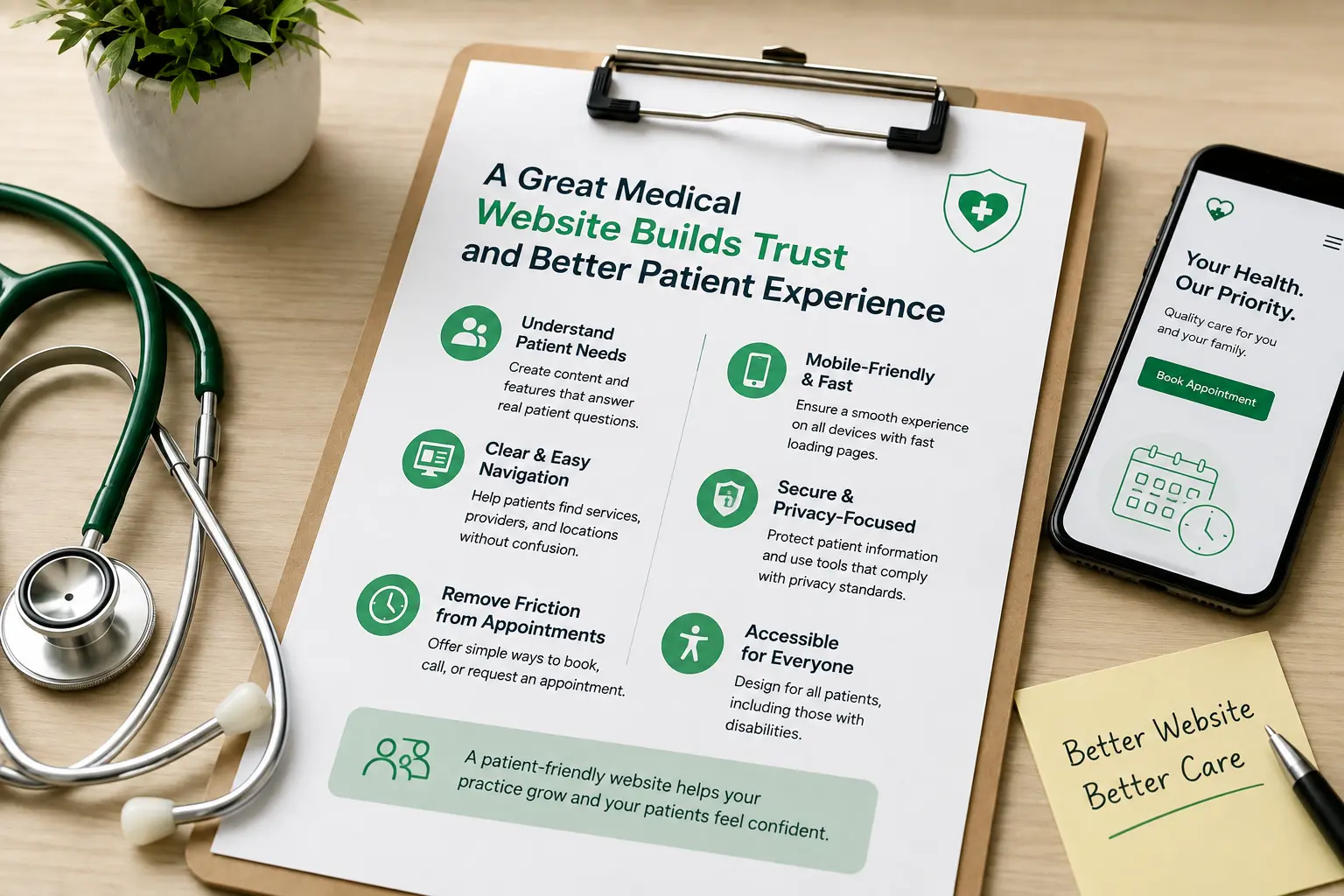
Also Read: 10 Best Website Design Inspiration For Doctors
Choose WordPress for Flexibility, Not Shortcuts
WordPress is a practical platform for medical practices. It can support provider profiles, service libraries, multiple locations and educational resources.
Staff can also manage routine content without rebuilding individual pages.
However, the platform is only the foundation. A ready-made theme may include unnecessary features or limit how the practice presents its services.
Use a Complete Development Approach
WP Minds can shape the website around specific operational needs through Custom WordPress Development. Custom templates can keep provider, service and location content consistent as the practice grows.
Its WordPress Design and Development service covers the wider project. This includes strategy, user experience, design, development, testing and launch.
When comparing medical website design services, ask how the team handles quality assurance and ongoing support. The agreement should clearly define hosting, updates, backups, monitoring and responsibility for third-party integrations.
Measure Whether the Website Supports Growth
Traffic alone cannot show whether a website is helping the practice. A better review connects website activity with meaningful patient actions.
Measure appointment submissions, calls from website visitors, scheduling activity and visits to important service pages.
Review where users leave forms or struggle to move between pages.
The findings should lead to specific decisions. A frequently abandoned form may need fewer fields. A popular service page may need clearer eligibility or payment information.
Analytics must receive the same privacy review as other website tools. Collect only the information needed to evaluate performance.
Need a Medical Website That Builds Patient Trust?
Conclusion
The strongest medical website design does not rely on unnecessary effects. It helps patients understand the practice, find relevant care and move forward with confidence.
Professional medical website development makes that experience reliable behind the scenes. It provides a platform that can accommodate future providers, services, locations and patient resources.
Regularly reviewing your website with feedback from patients, front-desk staff and healthcare providers can help identify usability issues and improve the overall patient experience.
More
- 7 Best Therapist Website Templates (2026 Edition)
- Top 7 Therapy Appointment Software of 2026
- 5 Best Billing Software for Therapists in 2026
FAQs (Frequently Asked Questions)
Why is responsive design important on medical websites?
Patients use different devices and may need information away from a computer. Responsive design keeps important features usable without zooming or horizontal scrolling.
What is the three-second rule in web design?
It is an informal usability principle. It suggests that visitors should quickly recognize a page’s purpose and available next step.
What should a medical website include?
Most practices need service information, provider profiles, locations, insurance guidance, patient resources and appointment access. Exact requirements depend on the practice’s services and workflow.
What is the best website builder for medical practices?
WordPress is a strong option for practices needing flexible content and custom functionality. It still requires professional development, security controls and ongoing maintenance.
How do you ensure website accessibility for individuals with disabilities?
Follow WCAG criteria throughout design, content and development. Combine automated scans with manual keyboard and assistive-technology testing.

Popular Guides
View All Guides