

9 Best Website Builder for Coaching Business


Looking for the best website builder for a coaching business?
Selecting a website builder is the first step when you enter the world of online coaching. The online coaching business is blooming in 2026 with four and a half billion dollars in annual revenue.
What exactly is a website builder?
A website builder is a tool that allows you to generate, design, and customize a business website with little to no code knowledge. It gives you the freedom to build a website without deep technical knowledge.
Just keep connected till the end. So, you can choose the best website builder for your business.
Let’s dive in!
How to Select the Best Website Builder for your Coaching Business?
Choosing the best website platforms for your coaching business is a hard decision. Because either it eases you with design, branding, leads, SEO, or it breaks your online career. So, choose wisely.
These points can help you choose the right website builder.

Pick a builder that matches your comfort level with tech, supports your coaching workflow (like scheduling and content), and leaves room for growth as your business expands.
List of the Top 9 Website Builders for Coaches
- Wix
- Kajabi
- WordPress
- Design
- Teachable
- Thinkific
- Squarespace
- Webflow
- BrandCrowd
1. Wix
Wix is an AI website builder for coaches. It also has beginner-friendly drag-and-drop options with built-in business tools for custom website creation.
- Key features: 900+ templates, SEO tools, CRM, email marketing, and payments.
- LMS/Coaching Tools: Wix bookings (scheduling 1:1 or group sessions), Wix Payments, simple membership areas.
- Pricing: $16–$45/month (business plans).
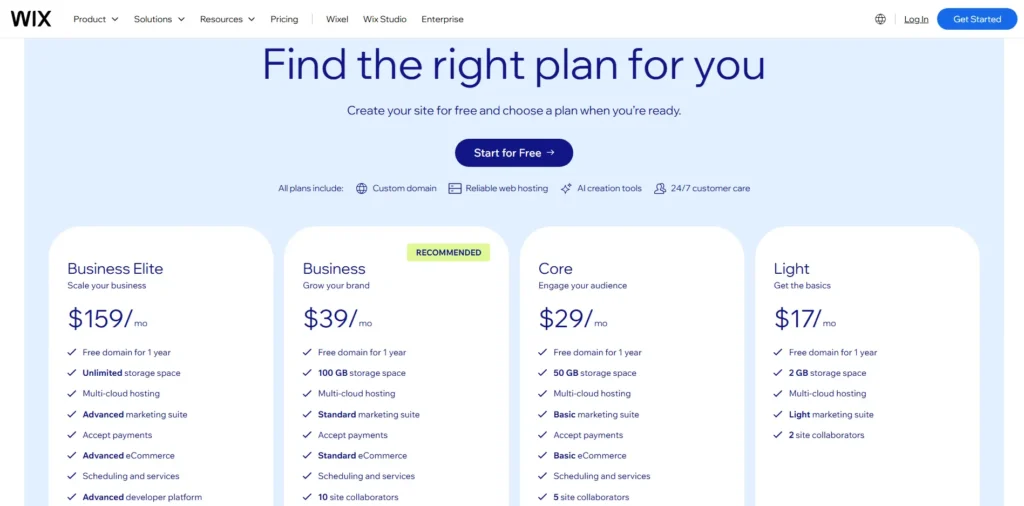
Best for you: If you want a fast, low-cost setup with coaching essentials like scheduling and payment integration.
2. Kajabi
Kajabi is an all-in-one website builder designed specifically for coaches and course creators.
- Key features: website builder, email funnels, sales pages, automation, analytics.
- LMS/Coaching Tools: built-in LMS for courses, coaching program templates, client portal, subscriptions, and payments.
- Pricing: ~$149–$399/month.
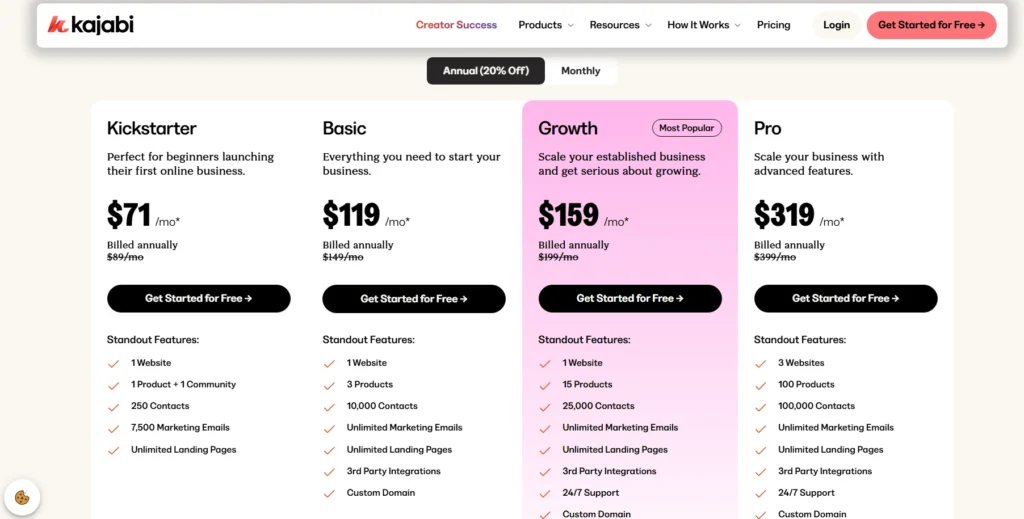
Best for you: If you want to run your entire coaching business (site + LMS + marketing + payments) from one place without extra plugins.
3. WordPress
WordPress is the most popular platform for building coaching websites. It offers full control over design, functionality, and scalability.
- Key Features: thousands of themes and plugins, SEO-friendly structure, blogging tools, eCommerce support, and unlimited customization.
- LMS/Coaching Tools: works seamlessly with LearnDash, TutorLMS, LifterLMS, and other plugins for courses, memberships, and coaching programs.
- Pricing: WordPress.org is free, but domain and hosting cost you. WordPress.com is a self-hosted platform that ranges $4-$45 per month, which can be extended up to $25000 annually with the enterprise plan.

- Best for you: WordPress suits everyone. Whatever functionality and features you want, you can add with a custom development.
4. Design
Design.com’s AI-powered website builder lets coaches create a professional, brand-consistent website in minutes. With no coding or design skills needed.
- Key features: AI website generator with 3,000+ website templates and drag-and-drop editor. The best thing is brand kit is auto-applied across all pages. In addition, domain and hosting are included in the subscription plan.
- LMS/Coaching Tools: Contact forms for lead capture and client inquiries, payment integration for session bookings, and brand-matched pages for services and about sections.
- Pricing: Free plan available (limited pages). Paid plans from ~$5–$14/month, depending on plan and billing cycle.
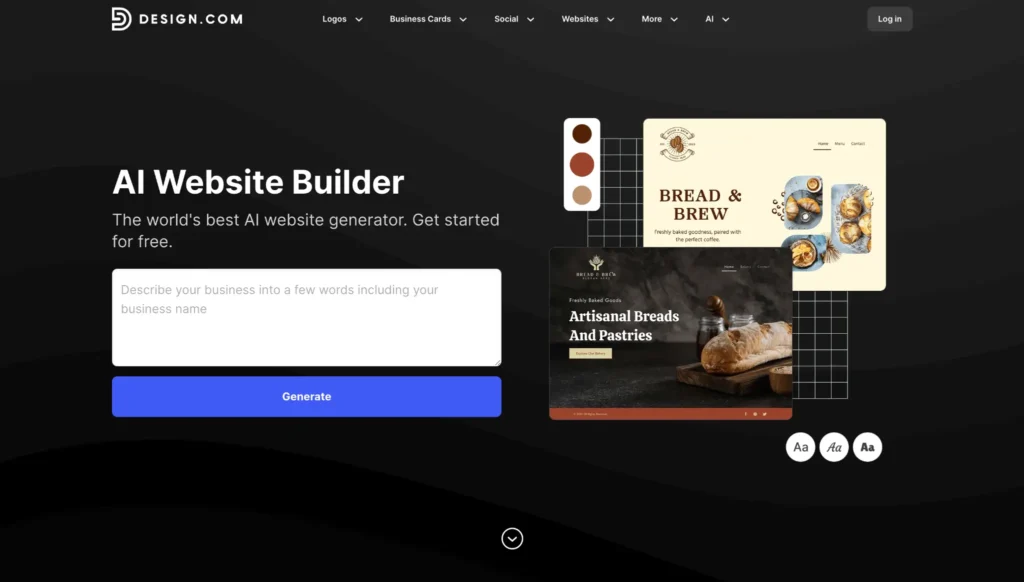
Best for you: If you want a fast, beautifully branded coaching website with built-in payments and lead capture, and you’re happy to connect a third-party scheduling tool for session bookings.
5. Teachable
Teachable is a popular website builder for creating courses, offering tools for selling coaching packages.
- Key features: course builder, quizzes, drip content, certifications, and payment gateways.
- LMS/Coaching tools: coaching product feature (sell 1:1 or group coaching), client intake forms, progress tracking.
- Pricing: ~$29–$300/month.
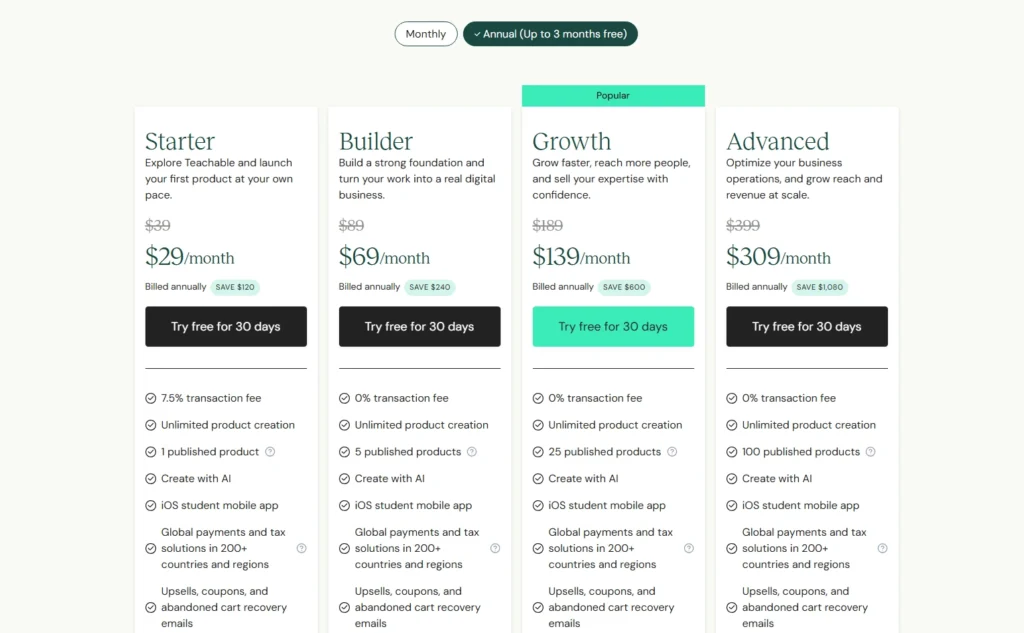
Best for you: If your coaching is heavily course-based with structured lessons, and you need a simple LMS.
6. Thinkific
Thinkific is a flexible coaching website design software with strong in-built customization options.
- Key features: drag-and-drop editor, custom domains, memberships, and community features.
- LMS/Coaching tools: advanced LMS (quizzes, certificates, communities), Thinkific coach platform (session booking + programs).
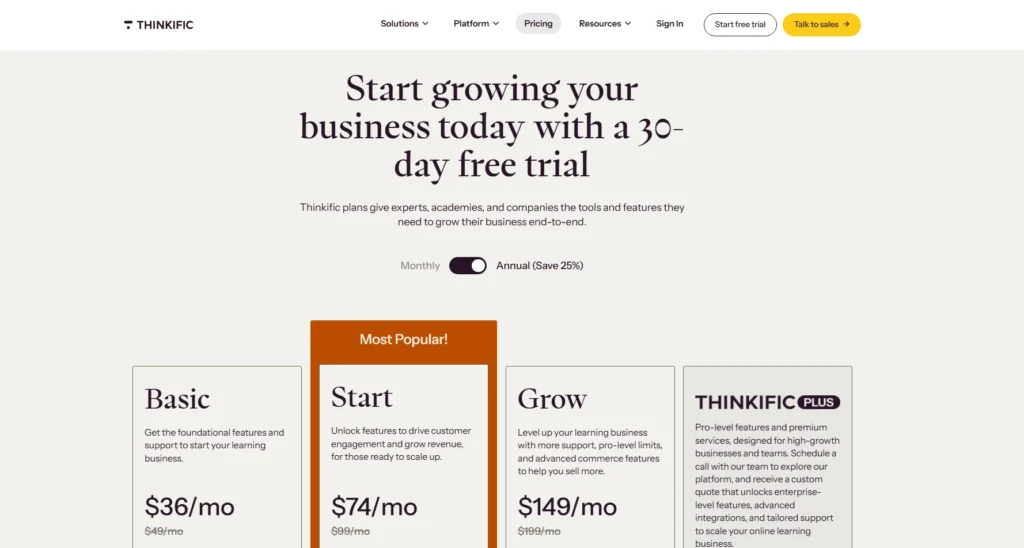
- Pricing: ~$36–$149/month.
Best for you: you want to combine 1:1 coaching, group programs, and courses in one professional platform.
7. Squarespace
Squarespace is a design-first website builder with beautiful, modern templates.
- Key Features: sleek templates, blogging, email marketing, e-commerce.
- LMS/Coaching Tools: Squarespace scheduling, memberships, digital product sales.
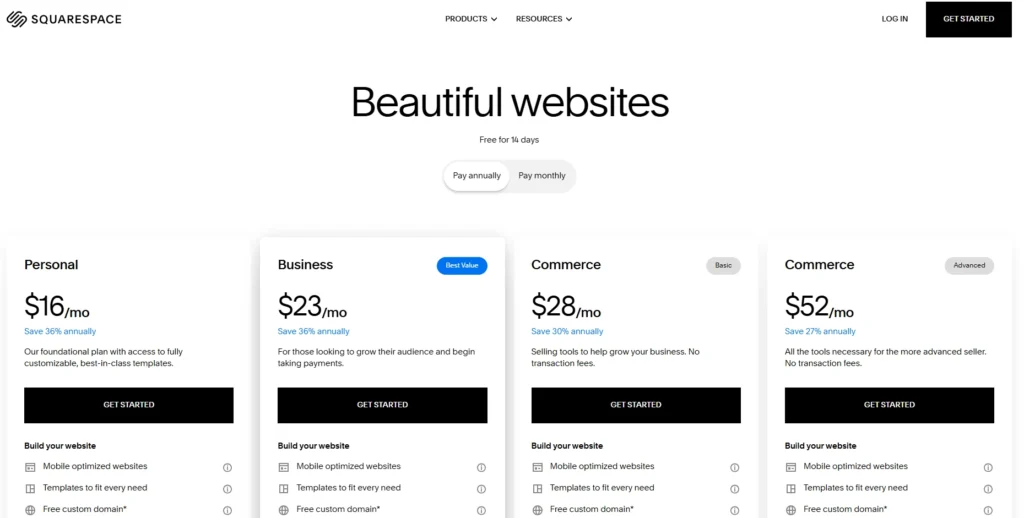
- Pricing: ~$16–$52/month.
Best for you: If branding and aesthetics are your priority, and you want easy scheduling tools built in.
8. Webflow
Webflow is a highly customizable visual development tool for professional-looking websites.
- Key Features: advanced design control, CMS, animations, SEO compatible.
- LMS/Coaching Tools: no built-in LMS, requires integrations (Memberstack, Outseta, Teachery, etc.). Can integrate Calendly/Stripe for coaching.
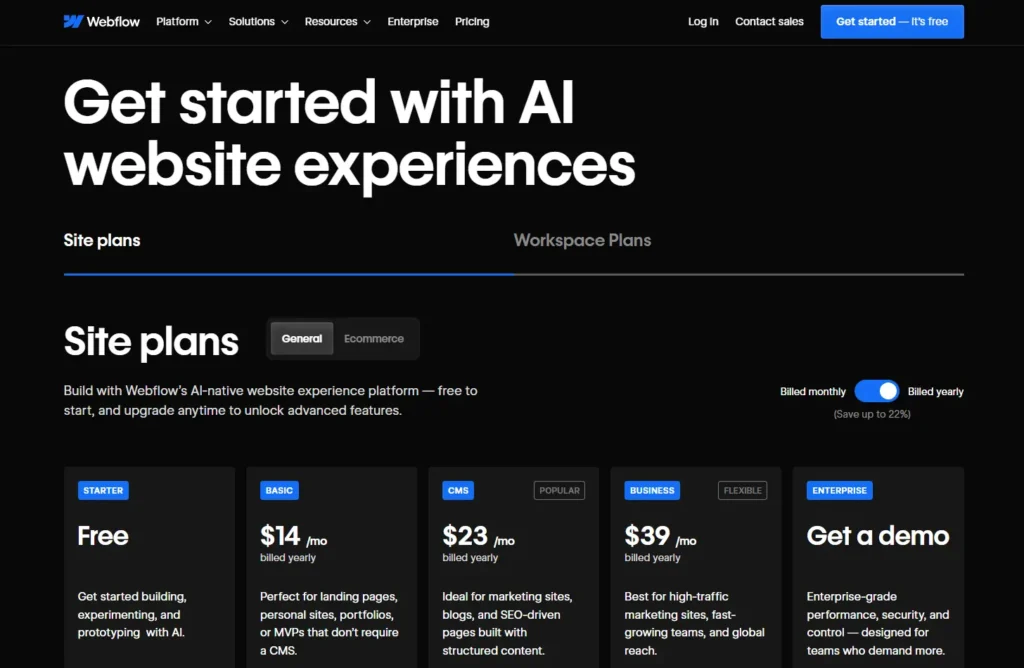
- Pricing: $18–$49/month (CMS/Business plans), LMS via third-party add-ons.
Best for you: you want total design freedom and scalability. Moreover, you are okay with adding external LMS/booking tools.
9. BrandCrowd
BrandCrowd is a branding-first website builder that automatically builds your coaching website using your logo, colours, and fonts. Simply, everything looks coherent and professional from the start.
- Key features: Access to 380,000+ designer-made templates across your entire brand with a simple drag and drop builder, a custom domain and online payment integration.
- LMS/Coaching Tools: Contact forms for client inquiries, payment integration for coaching sessions, and a one-page website layout ideal for showcasing services, testimonials, and booking CTAs.
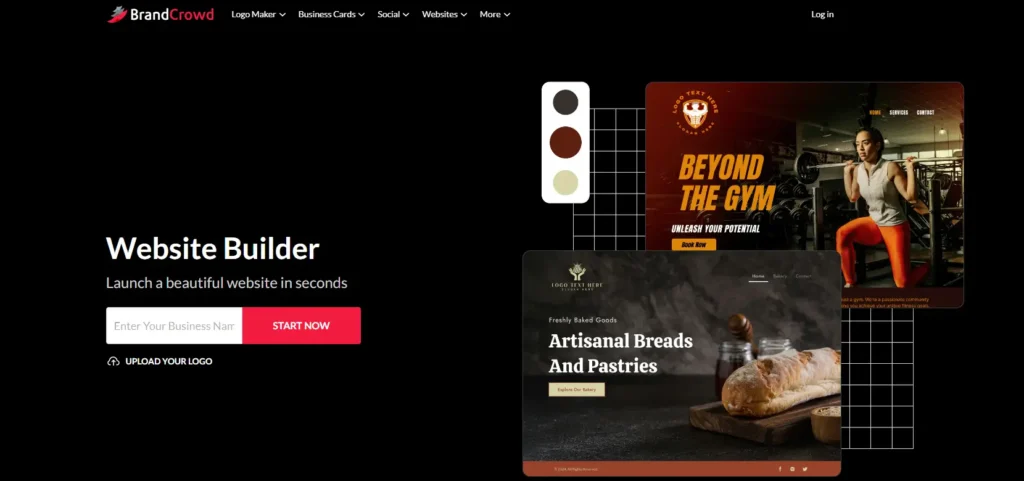
- Pricing: Premium + website plan at $6/month (billed annually) or $14/month (billed monthly).
Best for you: If you want a clean, branded coaching presence online quickly, and your priority is brand consistency across the web using only one platform.
Best WordPress Website Builder for Coaching Business
WordPress itself is not a website builder. It is a CMS. However, with plugins like WPBakery, Elementor, and Divi, it serves as a website builder, allowing you to custom-design your website.
Following are the best WordPress website builders.
- Divi
- SeedProd
- Elementor Pro
- Beaver Builder
- Thrive Architect
- WPBakery Page Builder

1. Elementor Pro
Elementor is one of the easiest and most powerful page builders for WordPress. With its drag-and-drop editor, you can create a professional coaching website without touching code.
Key Features:
- Live drag-and-drop design gives you space for customization.
- Ready-made templates for coaches and educators.
- Works seamlessly with LMS plugins like LearnDash, TutorLMS, and LifterLMS.
- Built-in tools for forms, popups, and scheduling integrations.
Why It’s Great for Coaches: If you want maximum flexibility and an all-in-one design tool, Elementor is the best option for building and scaling your coaching site.
2. Divi
Divi is more than just a theme. It works as a page builder and a theme in one package. Loved for its pre-built layouts and lifetime pricing option. Coaches love it for its design freedom.
Key Features:
- True visual editing (see changes as you make them).
- Hundreds of ready-to-use templates.
- Built-in split testing for pages and CTAs.
- Works well with online courses and membership plugins.
3. Beaver Builder
Beaver Builder is a reliable drag-and-drop WordPress website builder. It lets you design flexible, professional layouts without coding or worrying about site stability.
Key Features:
- Drag-and-drop front-end editor, design your idea.
- Optimized for performance and SEO best practices.
- Compatible with all major LMS plugins.
- Developer-friendly, add features with add-ons.
4. Thrive Architect
Thrive Architect is built with marketers and coaches in mind. It is mostly chosen as a landing page builder rather than a complete website.
Key Features:
- Dozens of conversion-focused elements (forms, testimonials, buttons).
- Ready-to-use landing pages for coaches and consultants.
- Works with Thrive suite (email, funnels, course builder).
- Split testing is available with Thrive optimize.
5. WPBakery Page Builder
WPBakery has been around for years and is still widely used. Many premium themes already include it, which makes it a first choice for some developers. I love WPBakery when it comes to design and development.
Key Features:
- Frontend and backend editing modes.
- Large collection of third-party add-ons.
- Good compatibility with older WordPress themes.
- Works with LMS and eCommerce plugins.
6. SeedProd
SeedProd started as a tool for building coming-soon pages but has grown into a full website builder. It’s lightweight and easy to use.
Key Features:
- Drag-and-drop builder with 200+ templates
- Built-in integrations for email and WooCommerce
- Compatible with LMS plugins for courses and coaching programs
- Focused on speed and simplicity
Which WordPress Website Builder is Best for a Coaching Business?
Elementor is the best overall WordPress website builder for coaches. But the point is, what to choose, custom development or drag and drop builders?
If you’re starting or scaling a coaching business. Go with WordPress and the elementor premium plan.
However, if you are established with a strong brand and a handsome budget. Custom WordPress development is the best option for you.
How to Build a Website for Coaches?
To build a website for coaches, follow these steps.
- Choose a platform: above is the complete detail.
- Pick a theme/template: choose according to coaching needs and design guidelines.
- Generate core pages: home, about us page, services/programs, blog page, contact, and other necessary pages.
- Design website wireframe: header, banner, menu, testimonials, brand message, and subscription. Also, plan CTA’s for better conversions.
- Show social proof: testimonials, success stories, client reviews, etc.
- Integrate necessary tools, booking calendar, email marketing, and payment options, make sure you follow SEO best practices, i.e, titles, metadescription, alt text, etc.
- Launch & promote: you are all done, hit launch, and allow the search engine to index your website.
Connect to social media and run ads to attract clients. Building a website is what makes your online presence. But to keep yourself in business, you need SEO.
Conclusion
In conclusion, you should choose the website builder according to your needs and the features you want in your website. We have listed the best website builders for a coaching business.
But as a professional, you should do what you are best at.
You are best at coaching. So, it’s better to choose someone who is best at development, so they can recommend the right platform, and you can use their service to build your dream website.
We recommend that you choose WordPress instead of these website builders.
Alternatively, you can explore custom WordPress development features to get your first website.
Get in touch! Schedule your quick 30-minute strategy call.

Popular Guides
View All Guides

